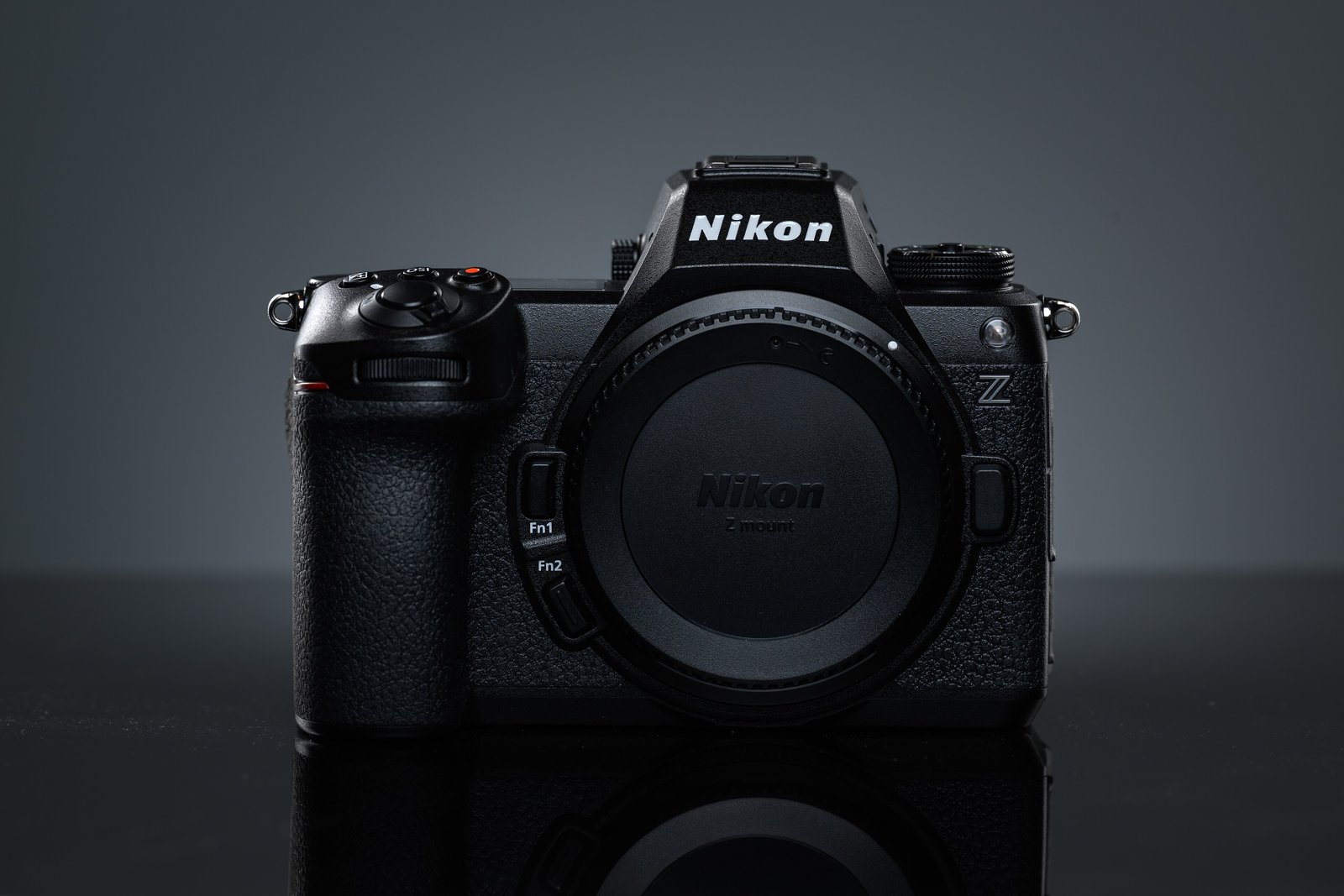
Nikon has released firmware version 2.01 for the Z6 III. The headline change is that Pre-Release Capture can now be triggered from compatible Bluetooth remote controllers. It also adds focus limiter support for eight more Nikkor Z lenses, renames Cloud Picture Controls to "Imaging Recipes," and fixes a list of burst-shooting bugs.
The update arrived on October 14–15, 2026, alongside NX Tether 2.6.1. It's a small release compared with last year's 2.00, but useful for wildlife and sports shooters working remotely. For Nikon's wider plans, see our report on Nikon's 2026 roadmap delays.
What's new in firmware 2.01?
| Change | What it means |
|---|---|
| Pre-Release Capture via Bluetooth remote | Start pre-burst buffering from a compatible remote, useful for hides and remote setups |
| Focus limiter for 8 lenses | Restrict the AF range to speed up focusing on supported lenses |
| "Imaging Recipe" naming | Cloud Picture Control is renamed; menu option now reads "Download Imaging Recipes" |
| Menu fixes | Some Custom Settings item numbers corrected |
Which lenses gained focus limiter support?
- Z DX 16-50mm f/3.5-6.3 VR
- Z DX 18-140mm f/3.5-6.3 VR
- Z DX 50-250mm f/4.5-6.3 VR
- Z 24-200mm f/4-6.3 VR
- Z 24-50mm f/4-6.3
- Z 14-24mm f/2.8 S
- Z 24-70mm f/4 S
- Z 14-30mm f/4 S
What bugs does 2.01 fix?
- Rare overexposure in Manual-mode burst shooting
- Unstable exposure in bursts with type E F-mount lenses
- Occasional freezes during burst shooting
- AF failing with FV lock and a flash attached
- Pixel Shift sometimes not taking the set number of shots with a non-CPU lens
- Freezes when zooming live view with a manual lens and subject detection on
How do you install the update?
- Download version 2.01 from Nikon's Download Center.
- Copy the file to the root of a card formatted in the camera.
- Remove any third-party lens or adapter. Nikon says only Z-mount Nikkor lenses or FTZ/FTZ II adapters should be attached.
- With a full battery, open Setup menu > Firmware version and follow the prompts.
What changed in NX Tether 2.6.1?
- Support for the Nikon Z5IIC
- Imaging Recipe selection when tethered to the ZR, Z5IIC and Zf
- R3D NE 12-bit option in auto mode on the ZR
- In-focus point color that matches the camera (Z5II, Z50II)
- Live view for the Z50II and Z30