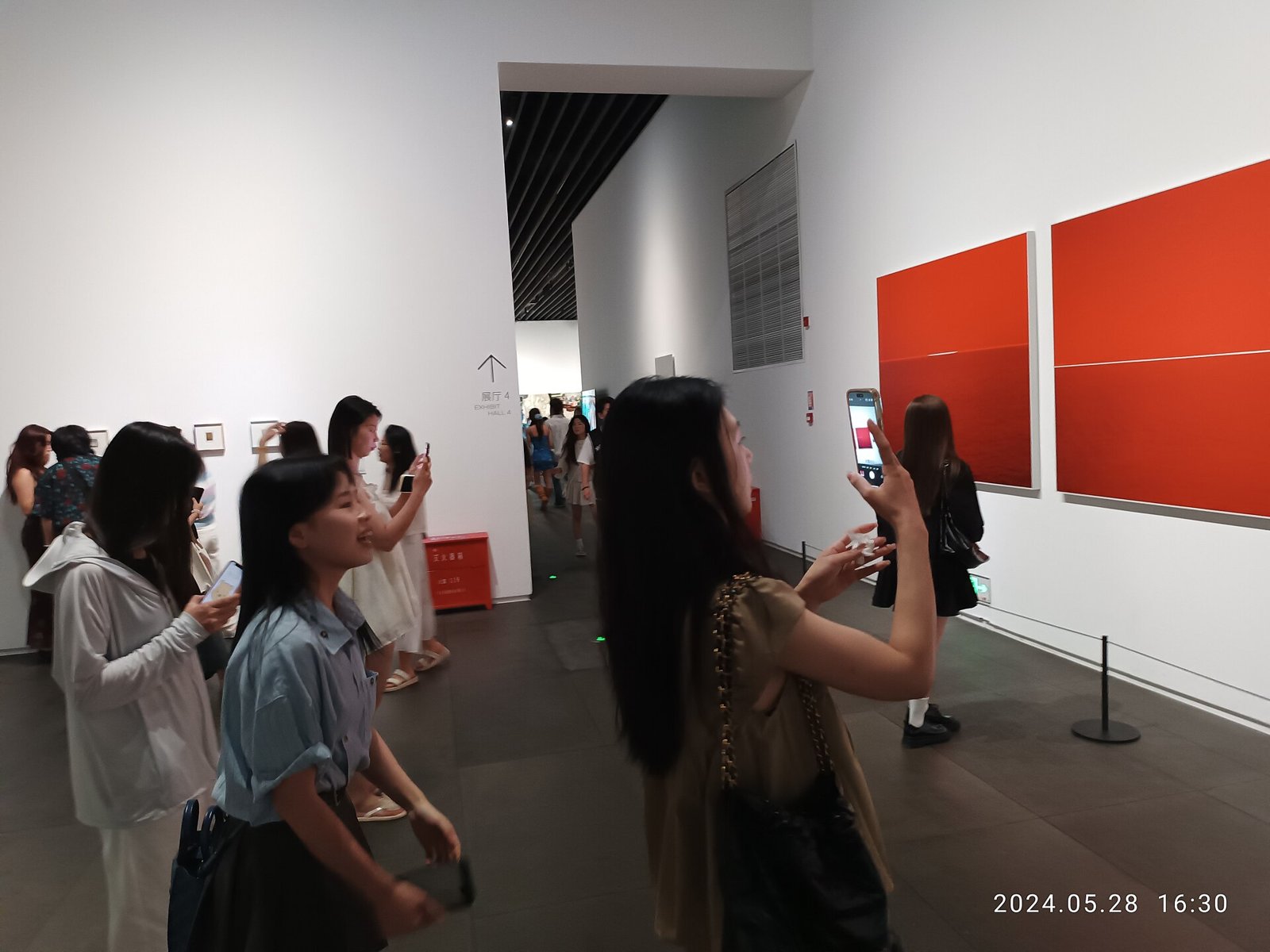
The fastest ways to take better phone photos are to clean the lens, turn on the grid, tap to set focus and exposure before you shoot, use the main 1x camera in low light, and avoid digital zoom. Those five habits fix most blurry, hazy and badly exposed pictures on any iPhone or Android phone.
Below are 12 settings and habits, with where to find them. For seasonal ideas, try our fall foliage photo tips.
The 12 quick wins
| # | Tip | Why it helps |
|---|---|---|
| 1 | Clean the lens | Removes haze and glare halos |
| 2 | Turn on the grid | Straight horizons, better composition |
| 3 | Tap to focus | Sharp subject, not background |
| 4 | Adjust exposure | Saves skies and dark faces |
| 5 | Lock focus/exposure | Keeps settings while you recompose |
| 6 | Use the main camera in low light | Biggest sensor, cleanest results |
| 7 | Skip heavy digital zoom | Avoids smeary detail |
| 8 | Use Night mode on a steady surface | Longer, sharper night shots |
| 9 | Use burst for motion | Catch the best moment |
| 10 | Try Portrait mode for people and pets | Background blur, adjustable later |
| 11 | Shoot RAW for tricky scenes | More editing latitude |
| 12 | Edit lightly | Natural color holds up better |
Where are the key settings on iPhone?
- Grid: Settings > Camera > Grid
- Exposure: Tap the subject, then drag the sun icon up or down
- Lock focus/exposure: Press and hold until "AE/AF Lock" appears
- RAW: Settings > Camera > Formats > ProRAW (on supported Pro models)
- Night mode: Turns on automatically in low light; tap the moon icon to adjust time
Where are the key settings on Android?
Menus vary by brand, but most phones put these in the camera app's settings:
- Grid lines: Camera settings > Grid lines
- Exposure: Tap the subject, then use the brightness slider
- RAW: Pro or Expert RAW mode (Samsung) or RAW option (Pixel and others)
- Night Sight / Night mode: In the camera mode carousel
How do you take sharper photos at night?
- Stay on the 1x main camera.
- Brace the phone against a wall, railing or table, or use a mini tripod.
- Let Night mode run its full count without moving.
- Turn off the flash unless the subject is close.
How do you take better portraits with a phone?
- Face your subject toward window light or open shade.
- Use Portrait mode at 2x or 3x for flattering proportions.
- Shoot at eye level, and tap on the eyes to focus.
- Check edges around hair and glasses, and lower the blur if needed.
How should you edit phone photos?
Straighten and crop first, then adjust exposure, highlights and shadows. Add warmth or vibrance last, and use filters sparingly. Built-in editors on iPhone and Android can do all of this without extra apps.